Where can I use Apple Pay?+−
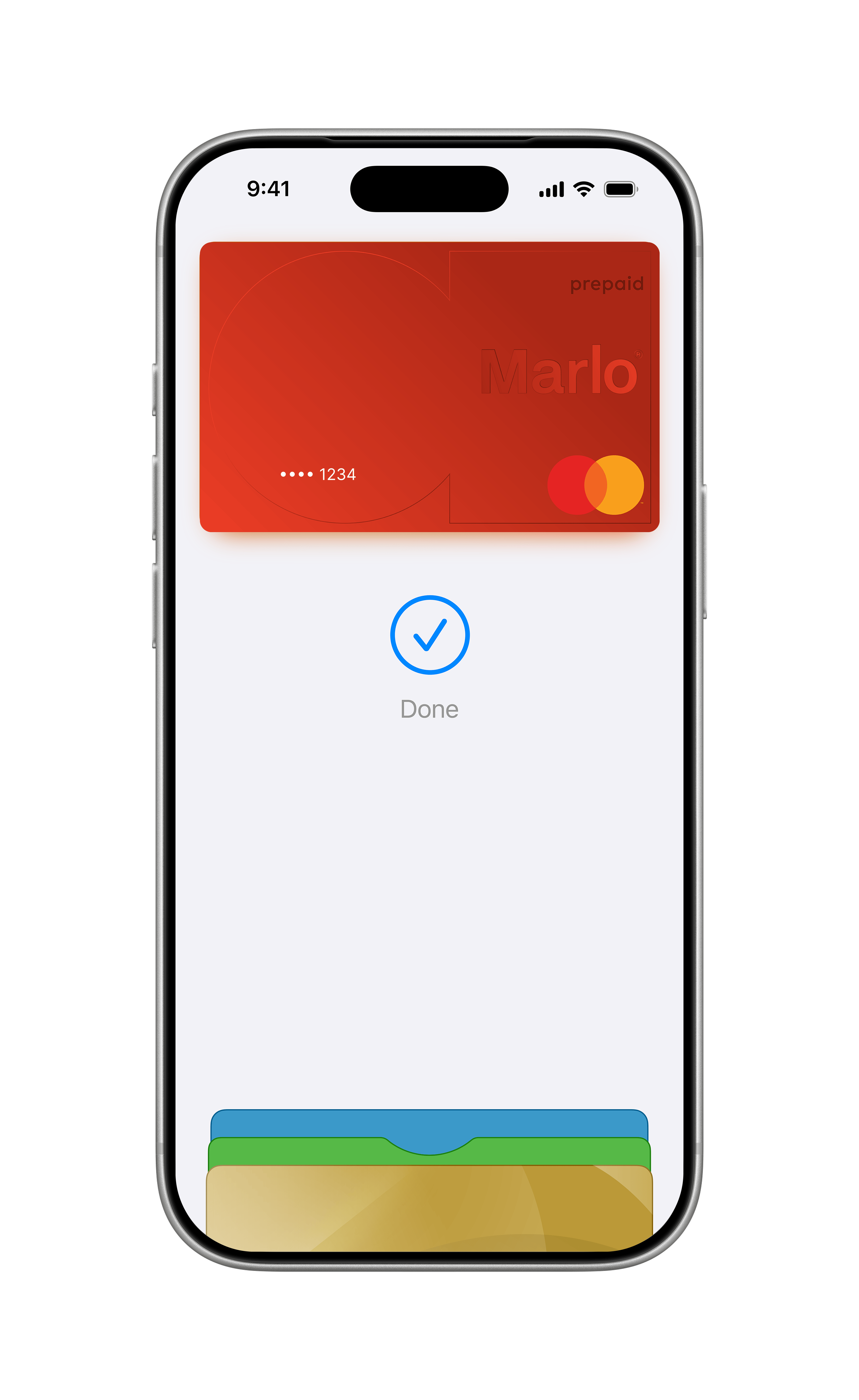
You can use Apple Pay to make payments at any merchant where contactless payments are accepted. Simply look for the contactless symbol. You may also use Apple Pay in-app and on the web with Safari when you see the "Buy with Apple Pay" button or Apple Pay as a payment option.
Which cards are eligible for Apple Pay?+−
Currently, only the Marlo Card is available on Apple Pay.
What is my Device Account Number, and where can I find it?+−
All cards stored in Apple Pay are allocated a Device Account Number. This unique number ensures your payment information is not stored on your device or shared with the merchant when making a payment. You can find your Device Account Number by opening the Wallet app, selecting your card and tapping the (i) symbol.
Where can I find out more information about Apple Pay?+−
To find out more information on how to make secure payments and set up Apple Pay with your card, visit the Apple Pay webpage. www.apple.com/au/apple-pay/
What Apple devices are compatible with Apple Pay?+−
Apple Pay works with iPhone 6 and later in stores, apps, and websites in Safari; with Apple Watch in stores and apps (requires iPhone 6 or later); with iPad Pro, iPad (5th generation), iPad Air 2, and iPad mini 3 and later in apps and websites in Safari; and with Mac (2012 or later) in Safari with an Apple Pay-enabled iPhone or Apple Watch.